Catch it the first time.
Hit record and stay in the moment. Cycle passes stack up as takes you can comp later; MIDI laps merge into one part. Pre-roll, count-in and a metronome that stays out of the way.
Record, arrange, mix and master in a studio that stays out of your way. Native plugins, a crash-proof sandbox and an engine written in Rust — wrapped in an interface with nothing extra on it.
The studio
Cycle-record into takes and comp the best of each. Punch in at the locators, count in, and monitor straight through the track.
Move, split, glue and warp. Audio follows the tempo track, and every edit lands on the grid you choose.
A full console — inserts, sends, groups, VCAs, automation on every parameter, and loudness metering on the master.
Every sound has an envelope. So does every song.
Hit record and stay in the moment. Cycle passes stack up as takes you can comp later; MIDI laps merge into one part. Pre-roll, count-in and a metronome that stays out of the way.
Warp audio to the grid, fix pitch note by note, pull MIDI out of a melody, or split a finished track into vocals, drums, bass and the rest — on your computer, no upload.
VST3, Audio Unit and CLAP run in a sandbox, so a crashing plugin never takes the session with it. 66 built-in effects, delay compensation and every core put to work.
Render faster than real time, normalise to your loudness target and export the mix, the stems and the score. Hand off to other studios with AAF and OMF.
Spec sheet
EQ, dynamics, reverb, delay, modulation, drive, pitch and utility — each with its own editor.
VST3, Audio Unit and CLAP, scanned and run out of process.
Vocals, drums, bass and other, separated by a neural model on your computer.
Basic 5.1 and 7.1 buses with a surround panner, plus a control room for cue mixes.
Alongside an 8-band parametric, a dynamic EQ and linear phase.
Plus zero-latency convolution with built-in impulse responses.
WAV, AIFF, FLAC, MP3, OGG and M4A, converted to your session rate on import.
Every edit kept in a history panel you can jump around in.
Plugin sandbox
Every third-party plugin runs in its own helper process. If one falls over, Velton restarts it, puts its state back, and the music keeps playing. Go on — break it.
Velton Console · Out now
A remote for live mixing desks on laptops, tablets and phones. Walk the room while you EQ, hand the drummer their own in-ear mix, and pick the layout that matches how you already work.
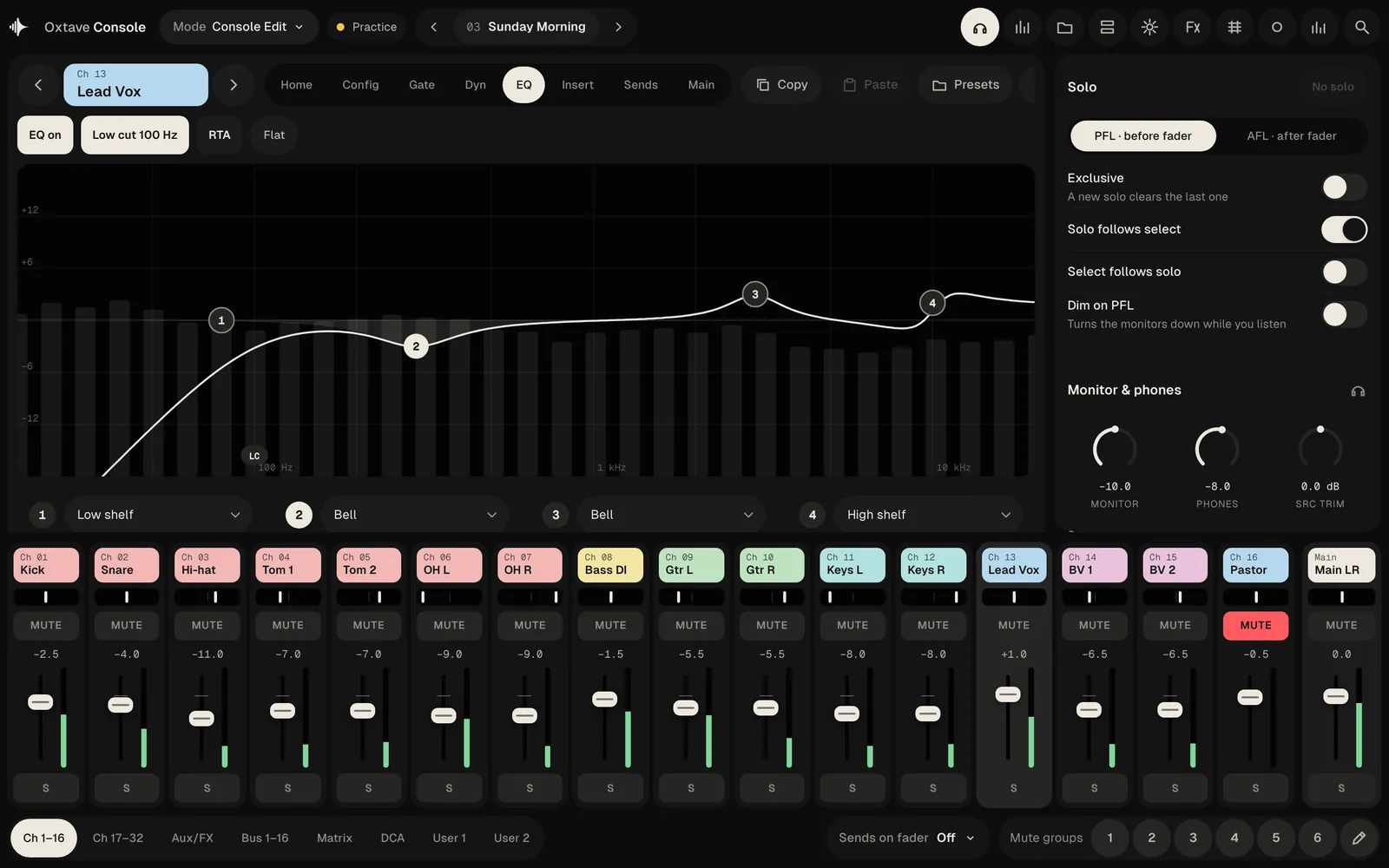
Screenshots from the built-in practice desk.
Velton Live · Out now
Backing tracks for the stage. A voice in the in-ears counts the band into every section, and when the moment changes you can jump, loop or skip — it lands on the beat.
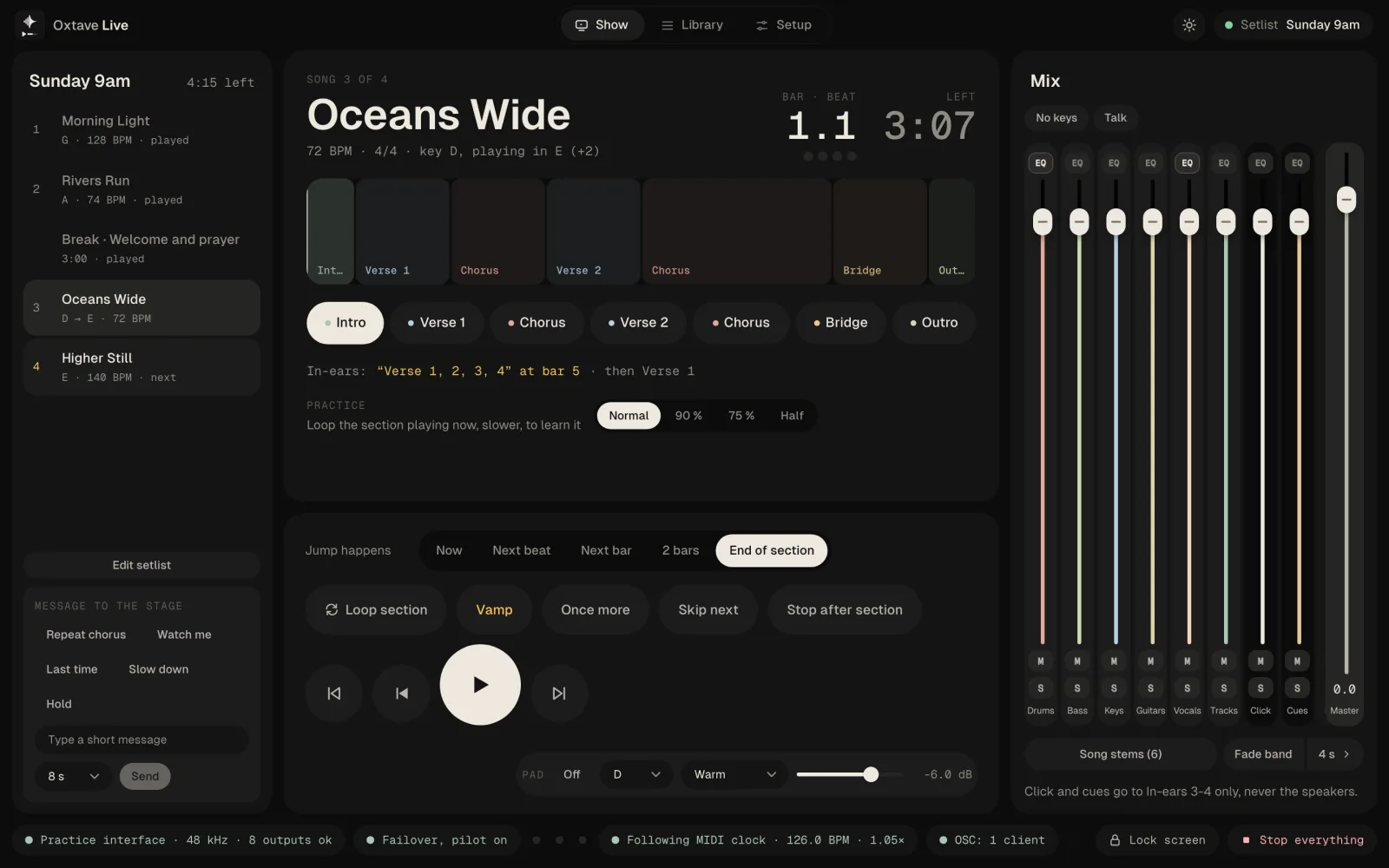
Screenshots from the built-in practice show.
Velton Sketch · Coming soon
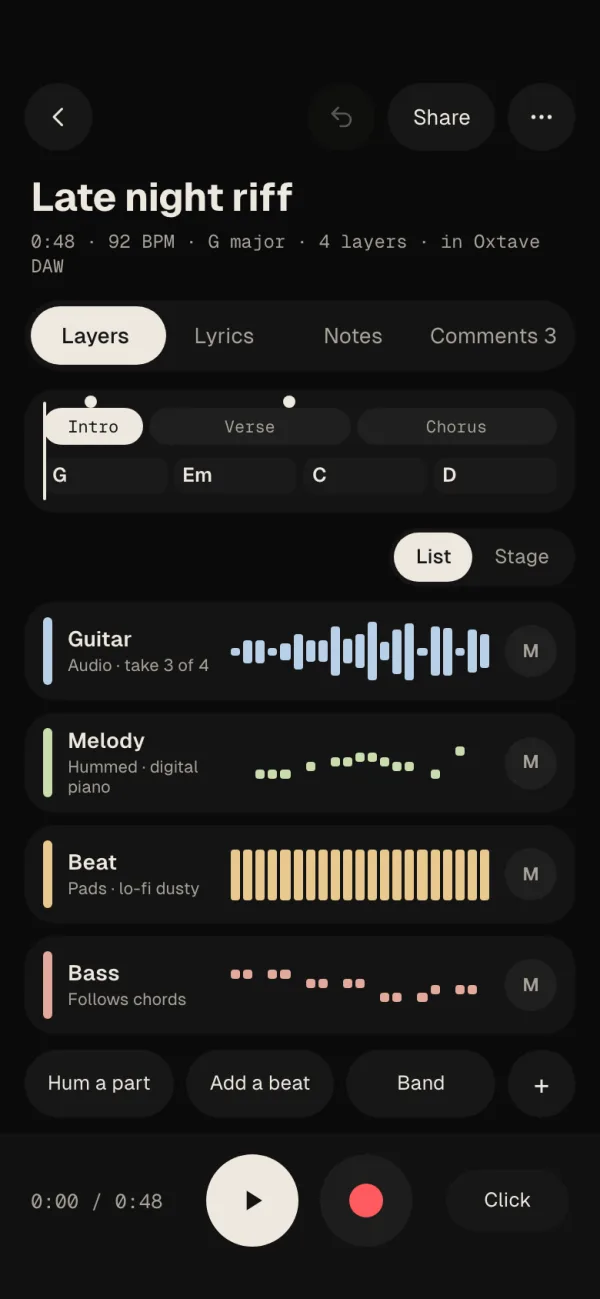
The song idea app for your phone. Record it, hum it or tap it out, and finish it later in the studio — already in time and in key. For iPhone, Android and iPad.
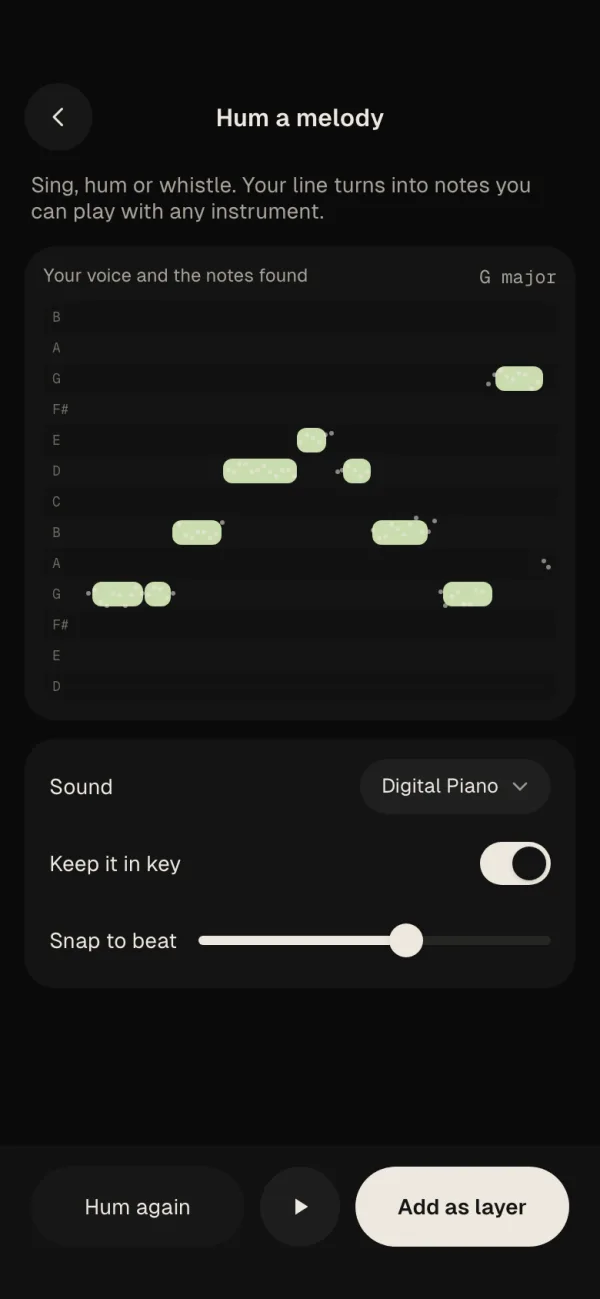
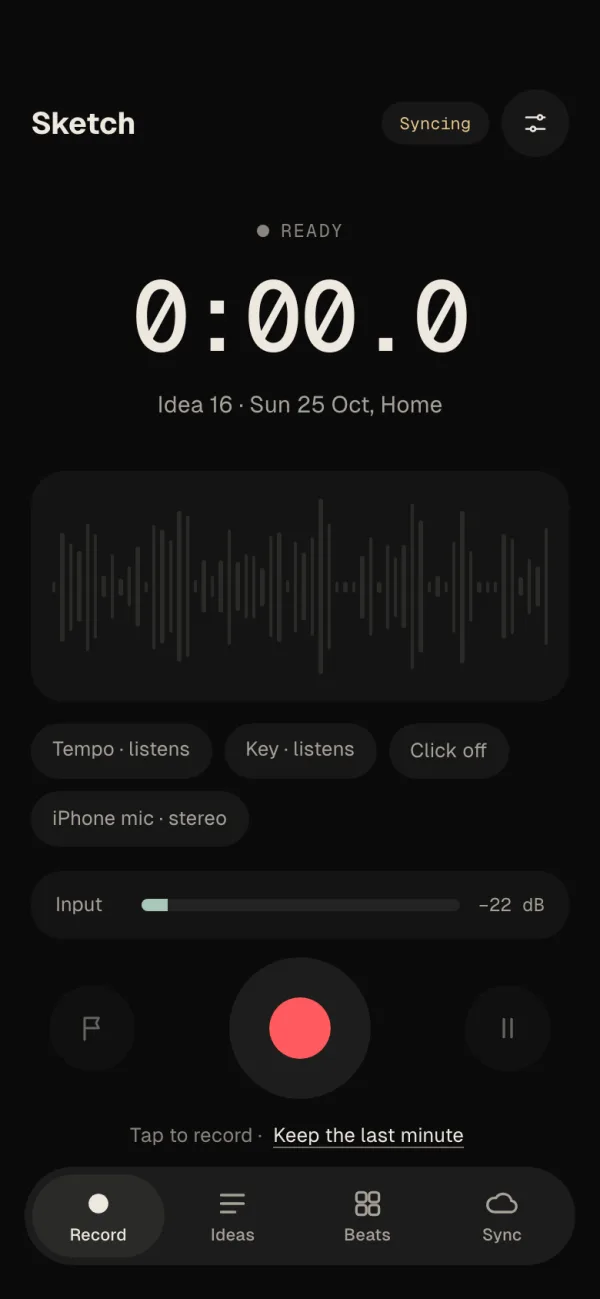
Velton is in alpha on Mac, Windows and Linux. Be one of the first in the studio.