Not sure which Mac you have? Apple menu → About This Mac → Chip or Processor.
Install
Three steps.
- 01
Open the disk image
Double-click the downloaded .dmg file.
- 02
Drag Velton to Applications
Drop the app onto the Applications folder in the window.
- 03
Open it
Launch Velton from Applications.
Requirements
- System
- macOS 12 or later
- Processor
- Apple silicon or Intel
- Plugins
- VST3, Audio Unit, CLAP
- Stem separation
- Apple silicon builds
- Version
- 0.1.1 · alpha
- Price
- Free during the alpha
Platforms
- Alpha
macOS
Apple silicon and Intel. Signed by Apple.
- Alpha
Windows
Intel/AMD and Arm PCs. New in 0.1.1: tell us how it runs.
- Alpha
Linux
AppImage, .deb and .rpm. The least tried so far: reports welcome.
- Exploring
iPad & tablets
A touch-first Velton is something we’d love to make. No promises yet.
Also from Velton
Velton Console
A remote for Behringer X32 and Midas M32 desks on laptops, tablets and phones, with five layouts to choose from and phone mixes for musicians. Out now for Mac and Windows; the iPad, iPhone and Android apps come later.
See Velton Console →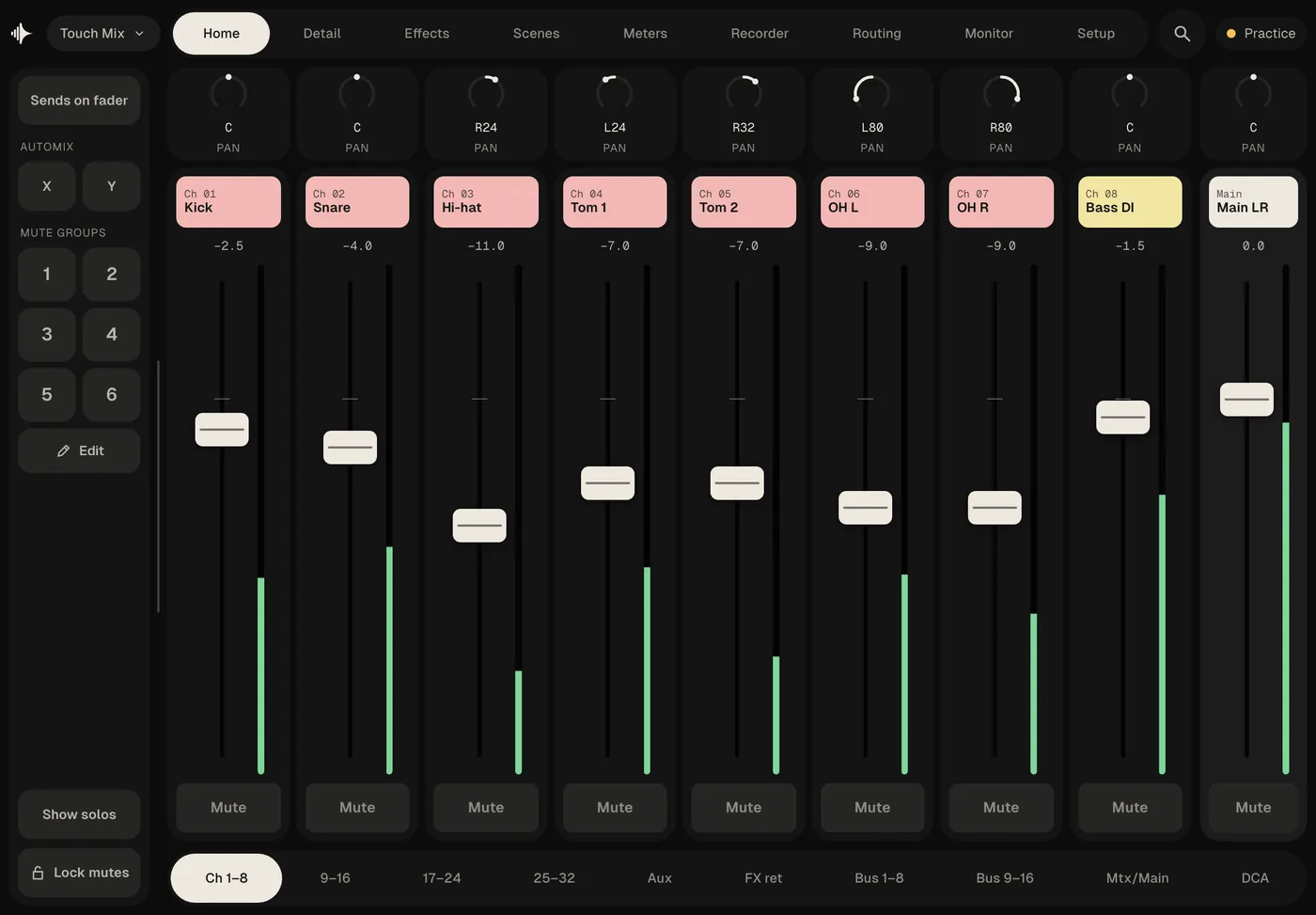
Also from Velton
Velton Live
Backing tracks for the stage: stems, click and spoken cues in a setlist, with band phones and a backup computer. Out now for Mac, Windows and Linux; the iPad app comes later.
See Velton Live →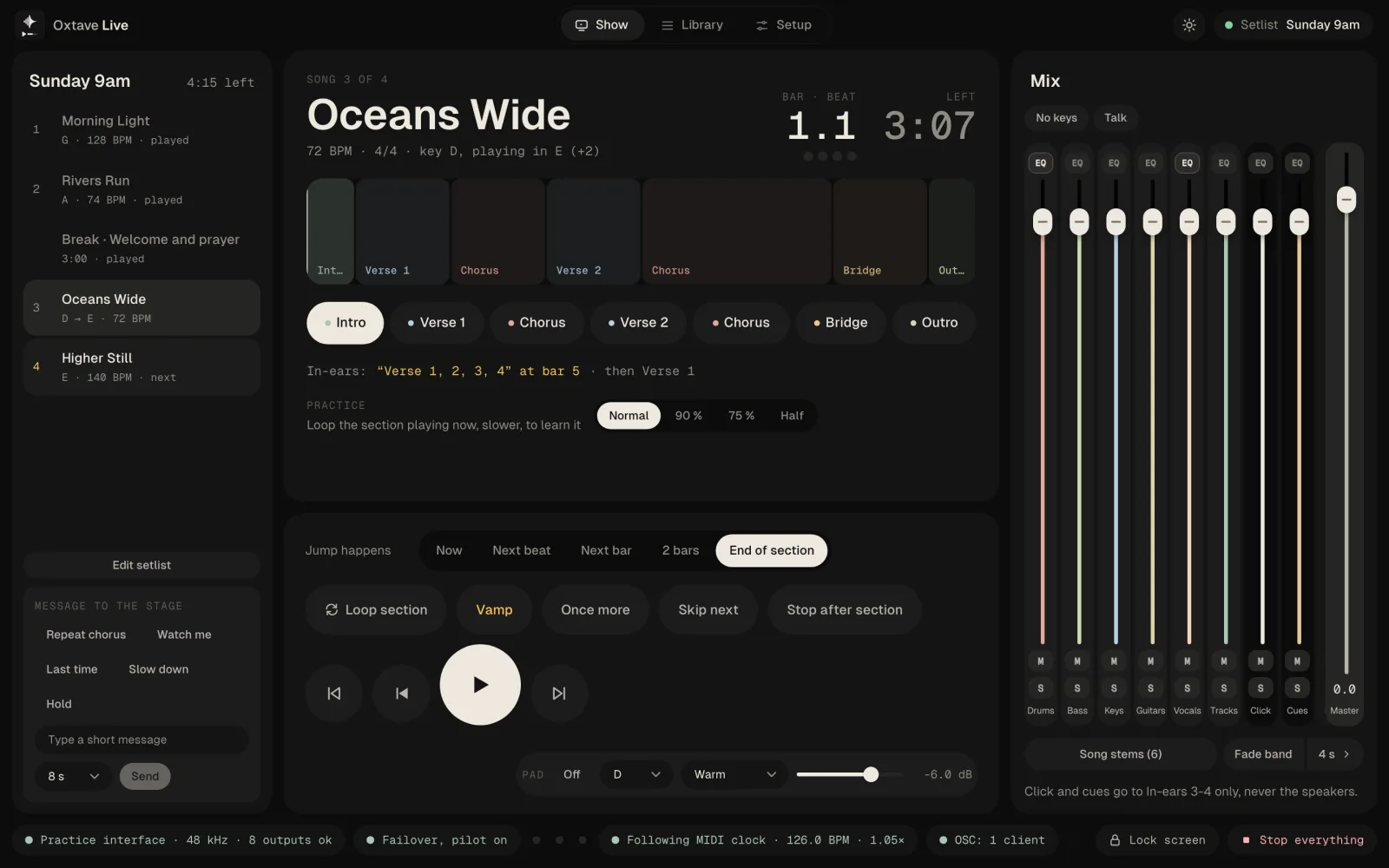
Also from Velton
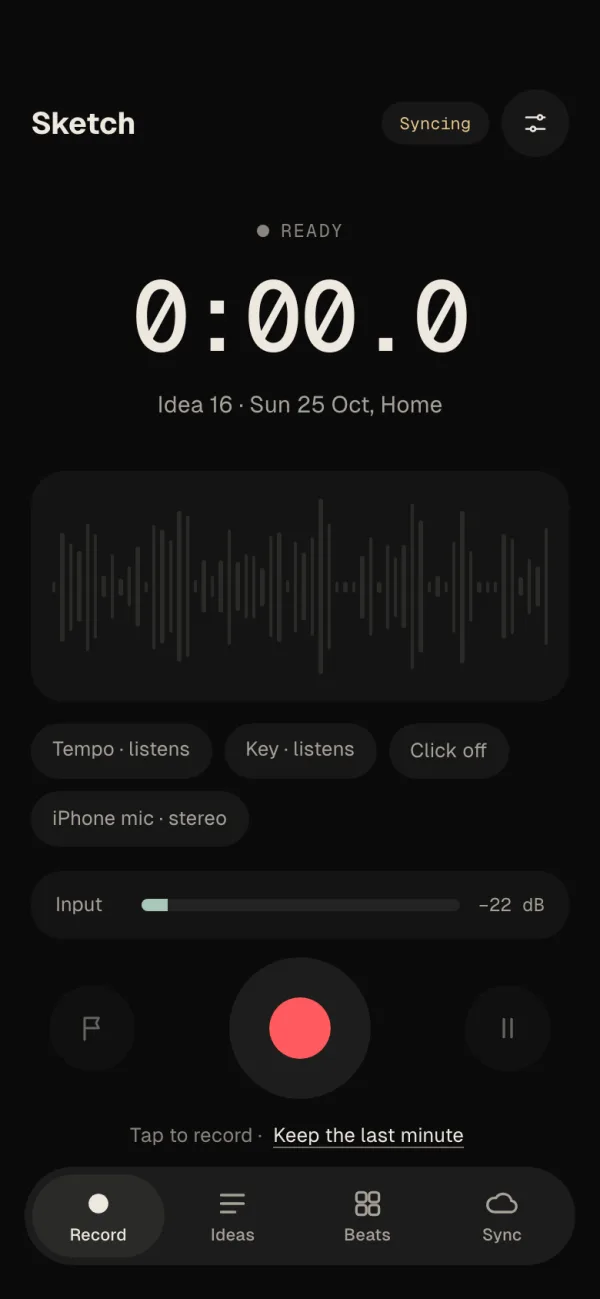
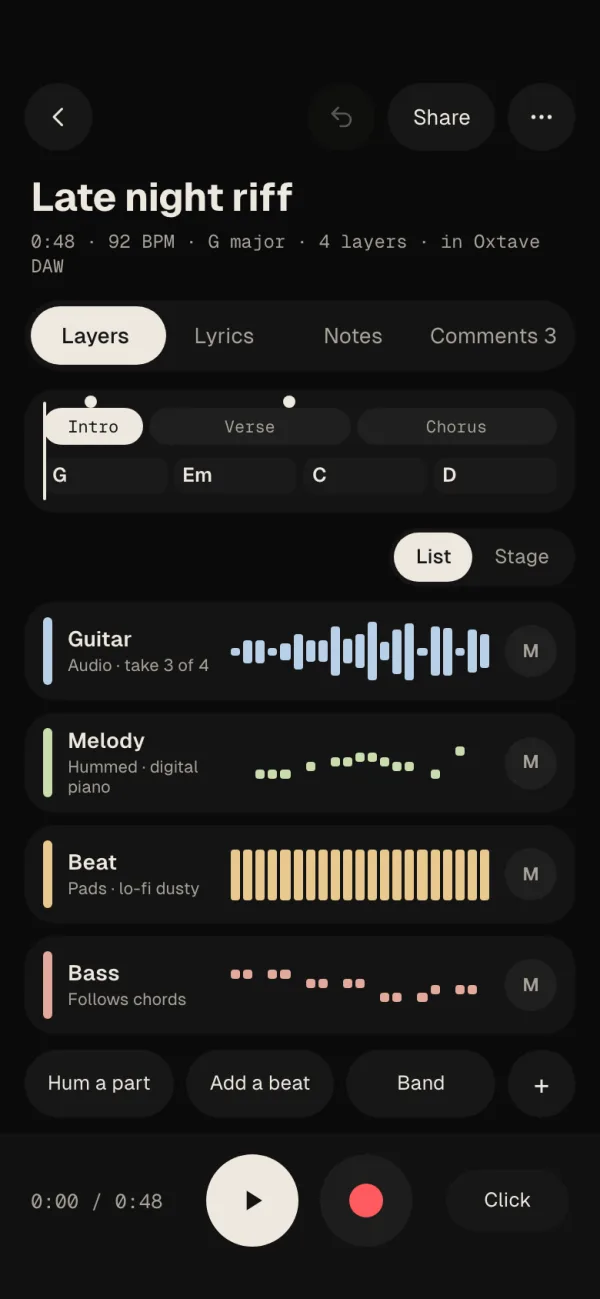
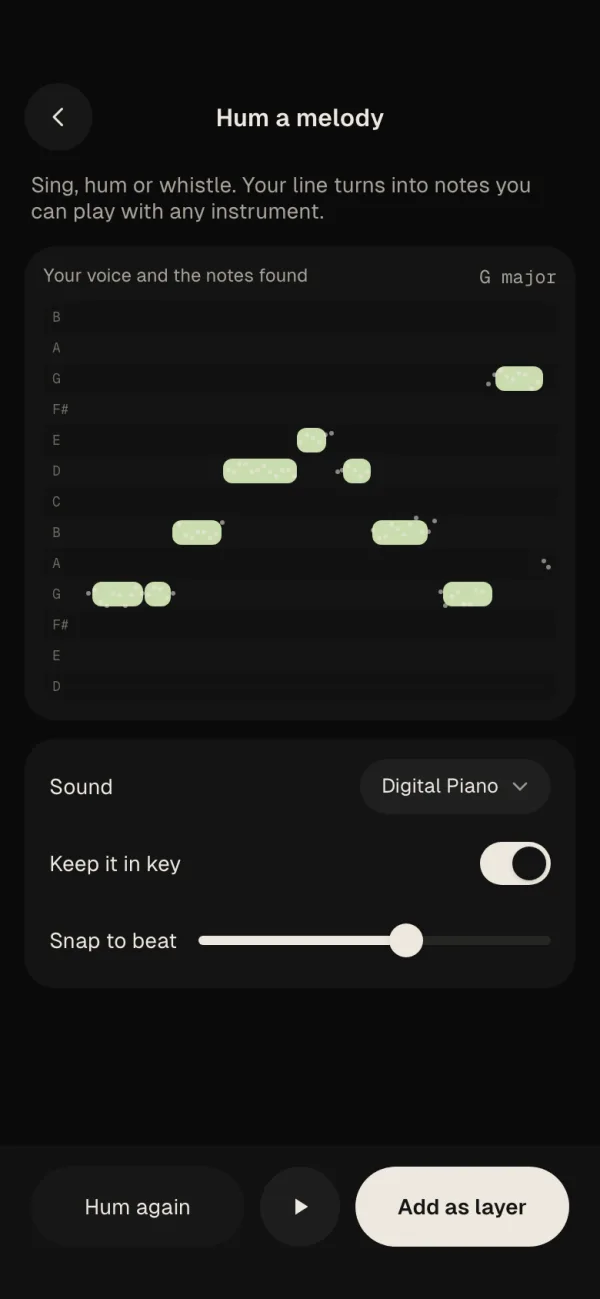
Velton Sketch
The song idea app for iPhone, Android and iPad: voice memos, hummed melodies and beats, with the tempo, key and chords found for you. It’s being tested now; the download will appear here when it’s ready.