Spoken cues
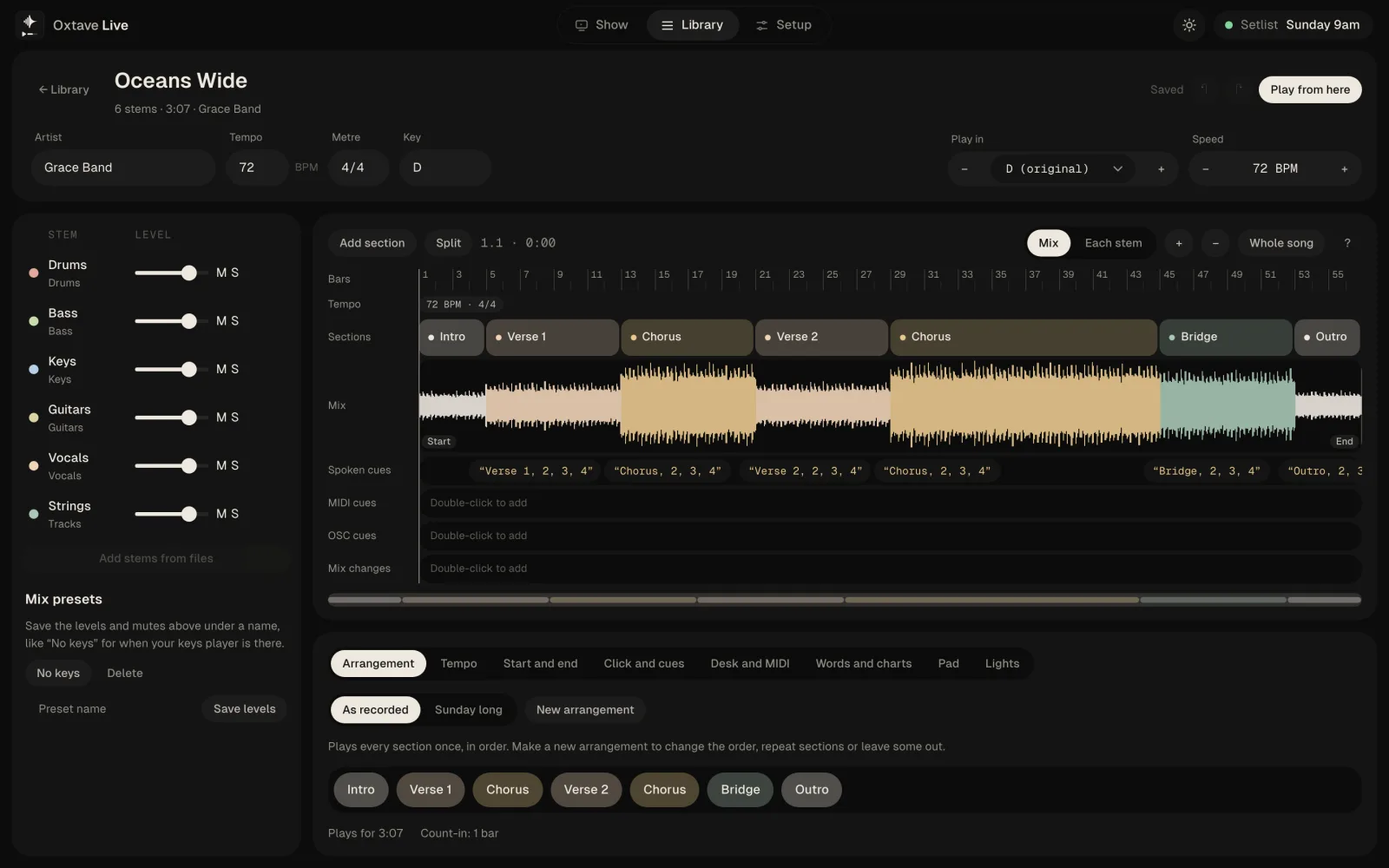
A voice counts the band into every section — “Chorus, 2, 3, 4” — in their in-ears. Use the computer's voices or record your own.
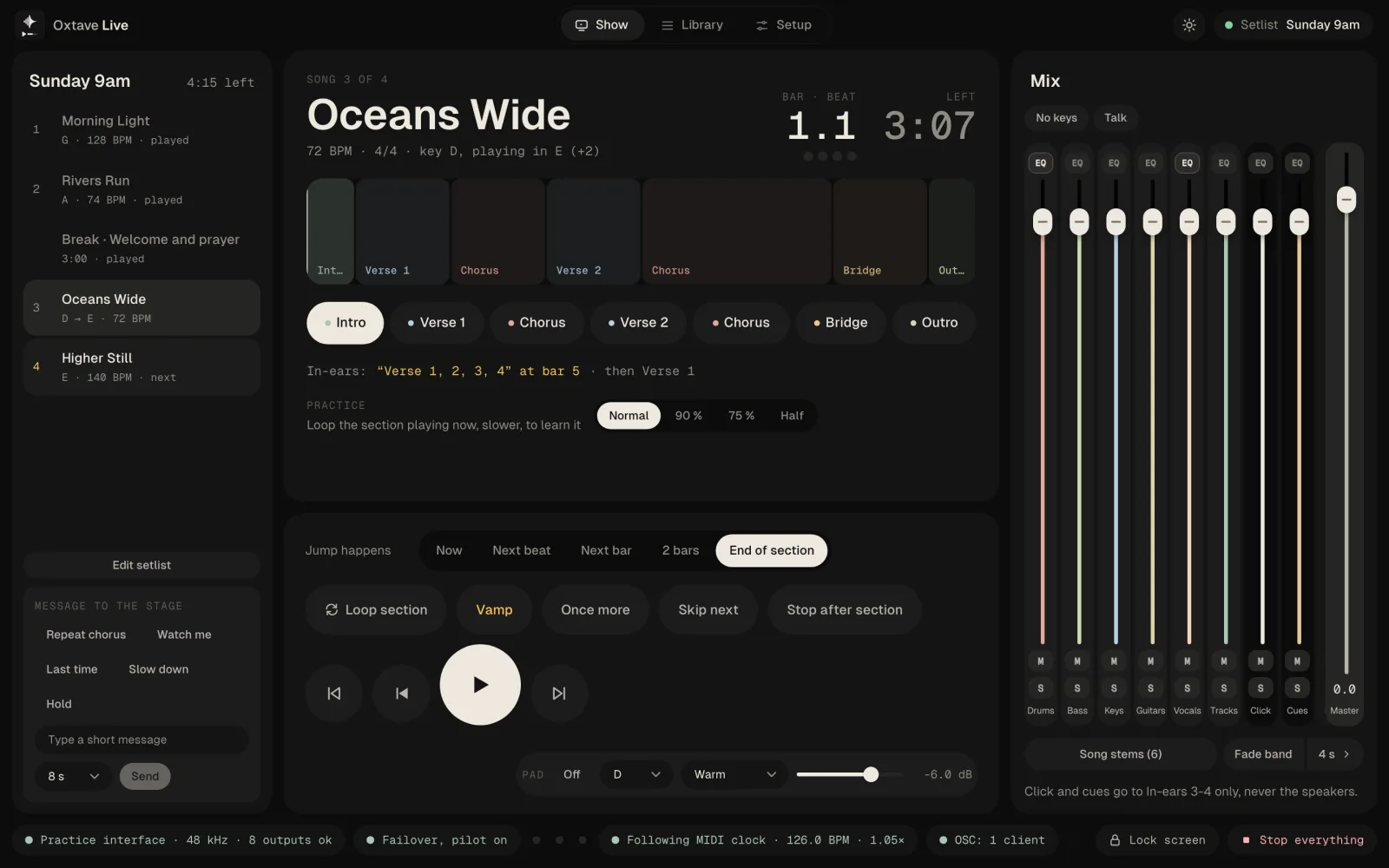
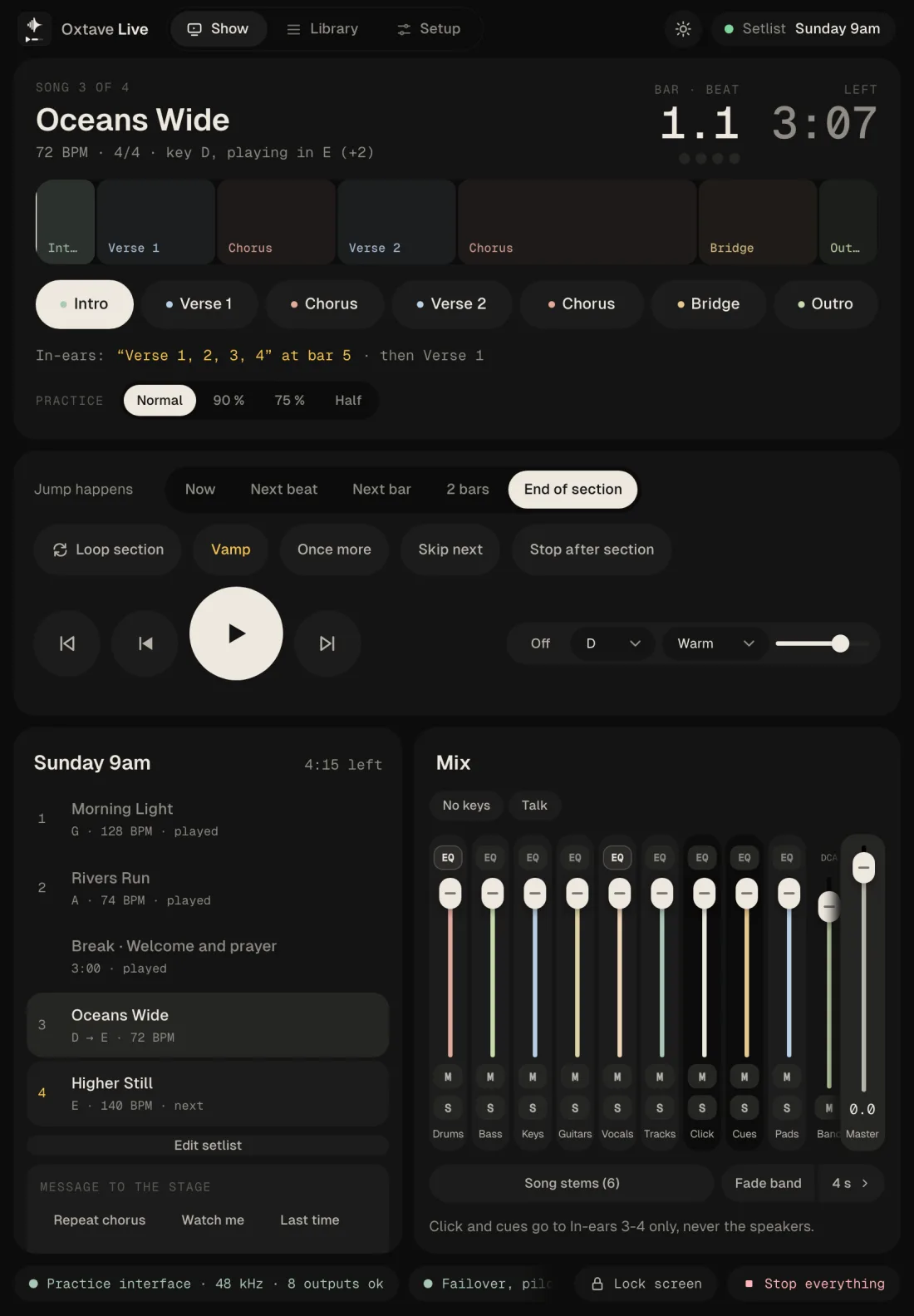
Backing tracks for the stage. Stems, click and a voice in the in-ears that counts the band into every section — and when the moment changes, jump, loop or skip, and it lands on the beat.
Live — click a section to jump there
Sections, not timestamps
Live knows every song's sections. Before each one, a voice in the in-ears says what's next and counts the band in. Scroll to play through the song.
On stage
A voice counts the band into every section — “Chorus, 2, 3, 4” — in their in-ears. Use the computer's voices or record your own.
Go round a section once more or until you let go, skip the next one, or stop at the end of this one. It all lands on the beat.
Move a song up for a new singer or slow it down for a new drummer. Live prepares the version ahead, so it plays straight away.
A second computer plays the same show in step. If the main one stops, the backup carries on.
Drums, bass, keys, vocals and the rest on their own faders and outputs, so the front of house mixes the tracks with the band.
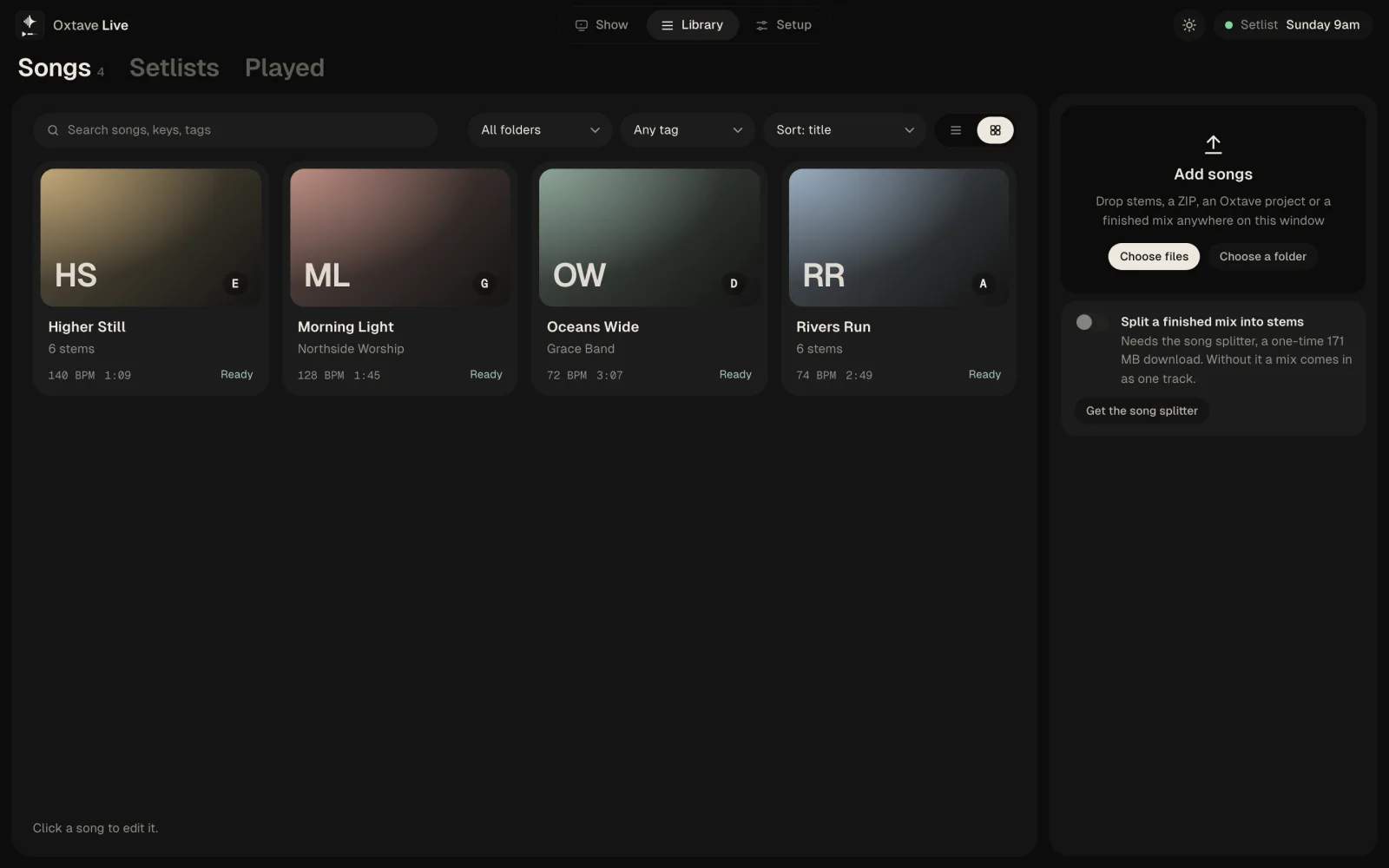
Drop in a single song file and Live splits it into stems, then finds the tempo, the bars, the key and the sections.
Wood, beep, stick, cowbell or hat, with eighths, triplets or sixteenths, a louder beat 1, or your own sounds.
Send any stem to any output of your interface. Click and cues stay on the in-ears and never reach the speakers.
A soft pad in the song's key fills the gaps between songs and under the talking.
Foot switches, MIDI controllers and page turners: press one, then pick what it does.
MIDI out with clock and program changes, OSC, timecode, and buttons for Stream Deck.
Links to Behringer X32 and Midas M32 desks: recall each song's scene and name the channels after the stems.
Simple looks per section, sent over Art-Net to a lighting node.
Every channel to one file or one file each, from the same computer.
Share songs, setlists and arrangements with your band through Velton Cloud.
Loop the section playing now at 90 %, 75 % or half speed to learn it.
Learn the app with a full demo setlist before you plug anything in. The screen at the top of this page is playing it.
For the band
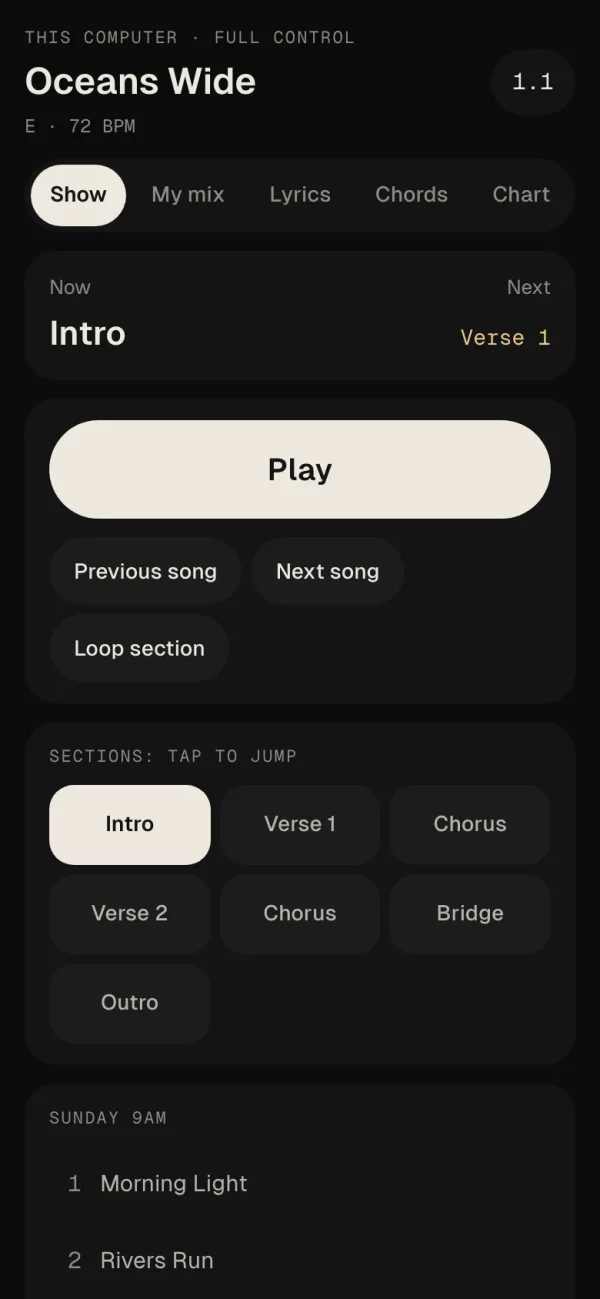
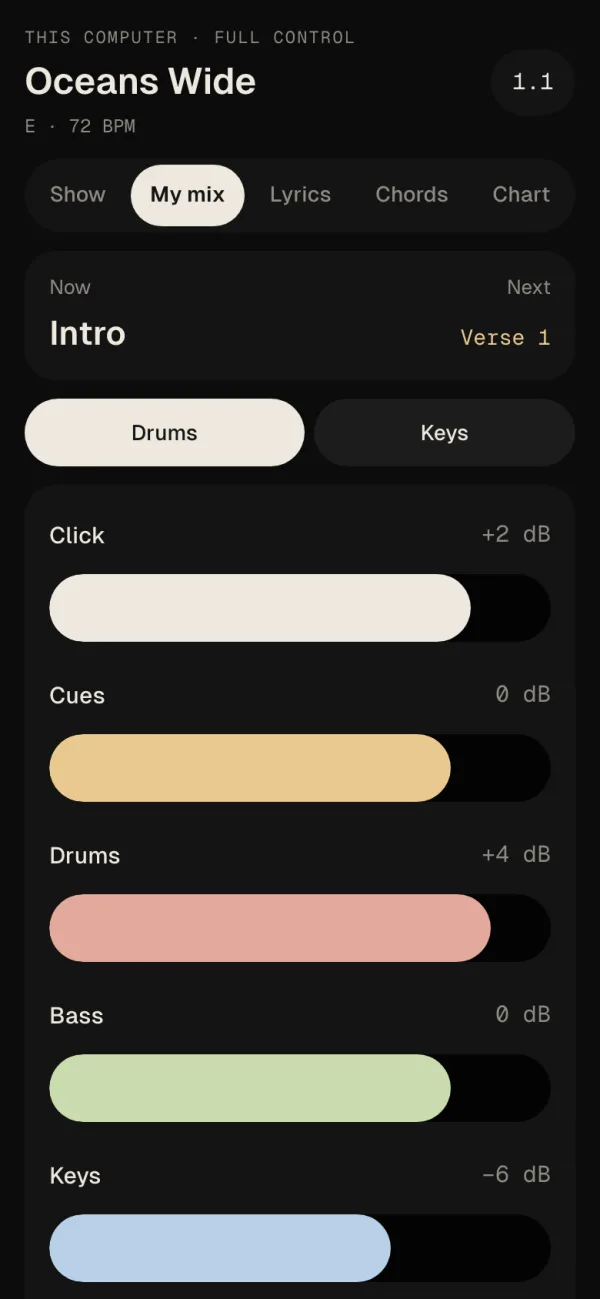
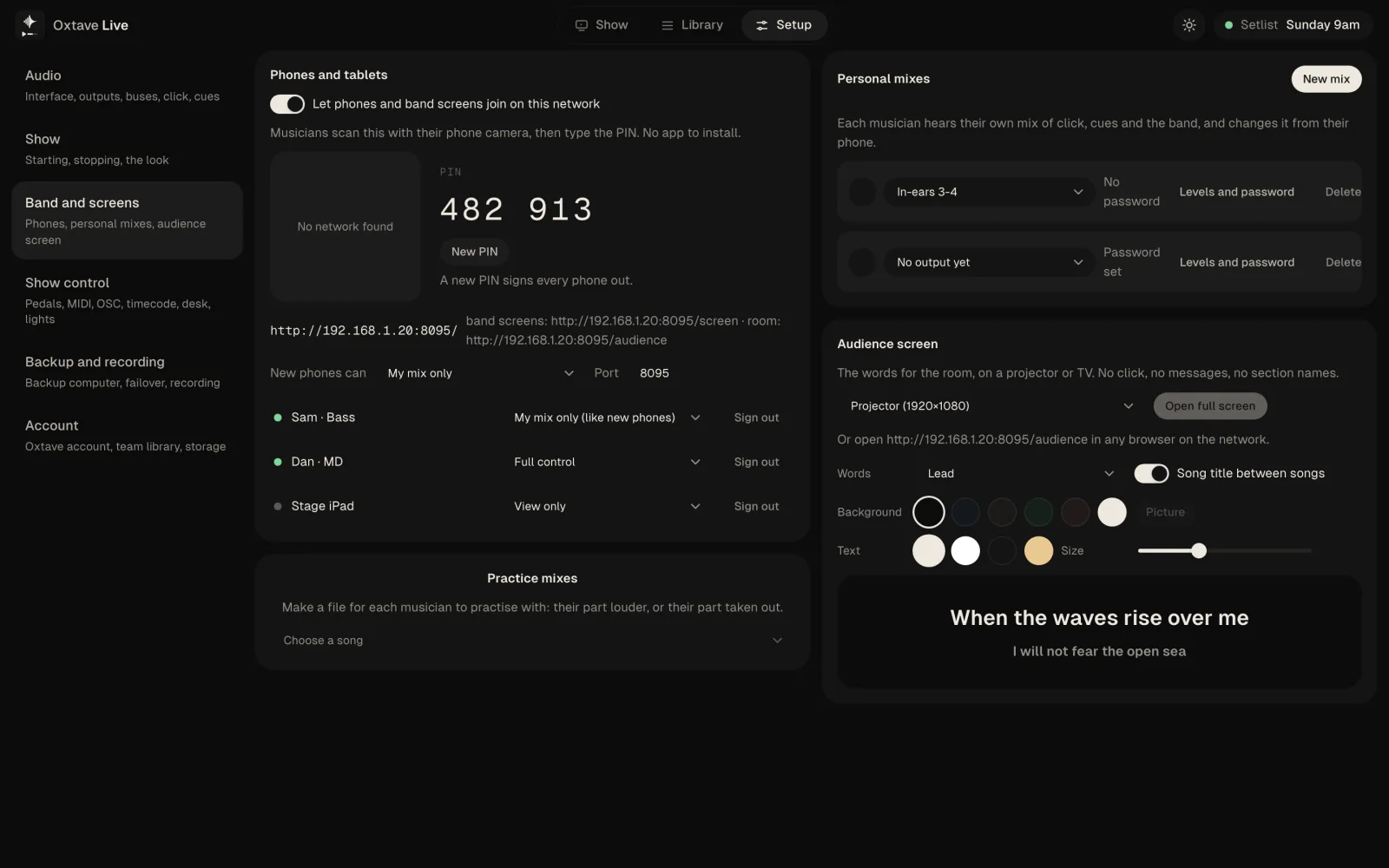
Every musician's phone becomes their screen: the song, the section now and next, the words and the chords, and their own in-ear mix.
In Setup → Band and screens, let phones join and choose what they may do.
Musicians scan the code on the same Wi-Fi. Nothing to install.
Each one sees the song, what's next, the lyrics, chords or chart — and mixes their own in-ears if you allow it.
Straight from the app
Questions
An app that plays your backing tracks on stage: stems, click and spoken cues, in a setlist. You can jump to any section, loop it or skip it while the band plays, and every change lands in time.
No. Velton Live is its own app. It takes stems from anywhere, a ZIP, an Velton project or a finished mix that it splits into stems for you.
No. Everything runs on your computer, including the cue voices. The internet is only used to sign in and for the team library.
Run a second computer as the backup. It plays the same show in step with the main one and carries on if the main stops. With a failover interface, the band hears no gap.
No. They open Live in their phone's browser on the same network and type a PIN. They see the song, the lyrics, chords or charts, and can mix their own in-ears if you allow it.
It's out now as an alpha for Mac, Windows and Linux, free while it's in alpha. Get it from the download page.